How Runes of Magic Works on PC – Client, Server & Requirements
Runes of Magic is a classic PC MMORPG built around a client and server system. The game client runs on the player’s computer and handles the interface, graphics, controls, sounds, and other local tasks. The server manages the online game world, player accounts, characters, and other information that needs to be shared or stored.
Understanding this structure is useful for normal gameplay as well as people working with a Runes of Magic Emulator. In an emulator setup, the game client connects to a separate server environment that provides the services needed to run the game.
This guide explains how the main parts work together, what the PC needs, and what to check when the client fails to connect.
How the Game Works on PC
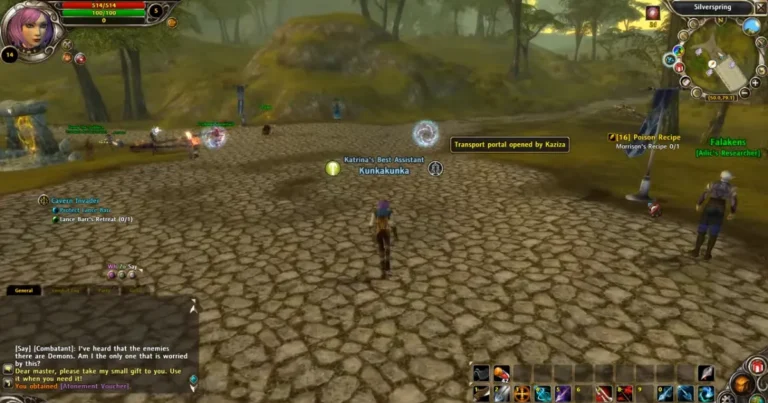
When you start Runes of Magic, the client loads the files installed on your computer. It then communicates with the appropriate server to handle the online part of the game.
A simple view of the connection is:
PC → Game Client → Login Service → Game Server → Database
Each part has a different job. The client provides the interface and displays the game, while the server processes information about the player’s session and the game world. A database stores information that needs to remain available after the player closes the game.
This is the basic client-server model behind an online MMORPG.
The Game Client
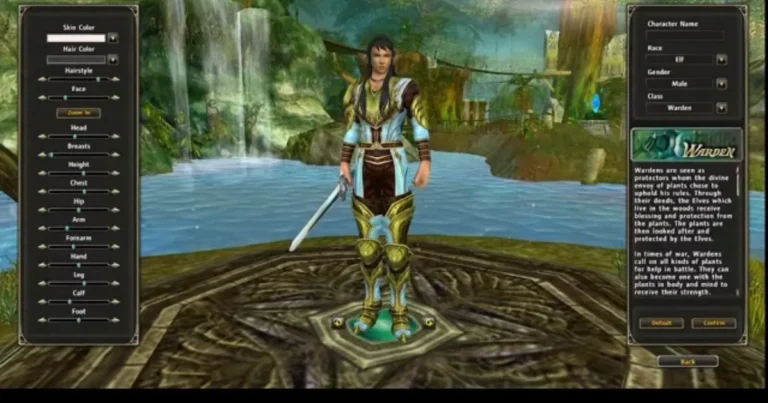
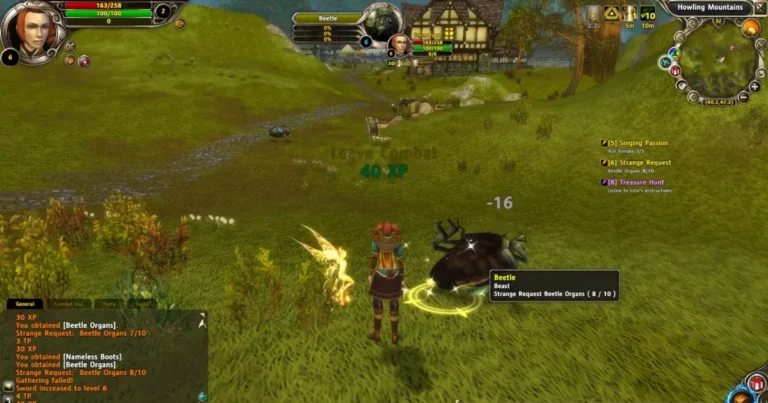
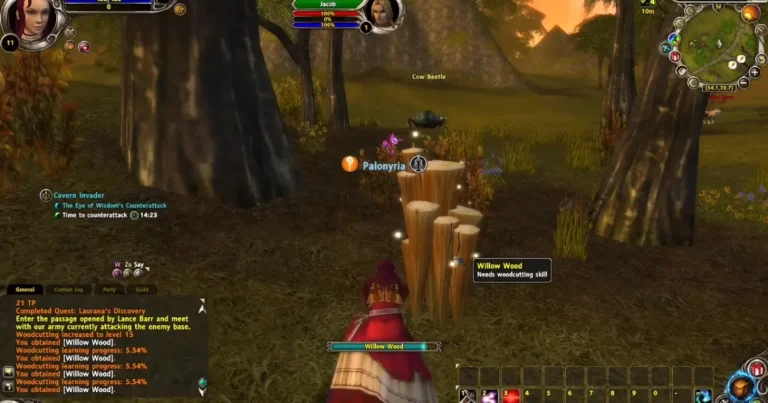
The game client is the software installed on your PC. It contains the resources needed to launch and display the game.
The client is responsible for tasks such as:
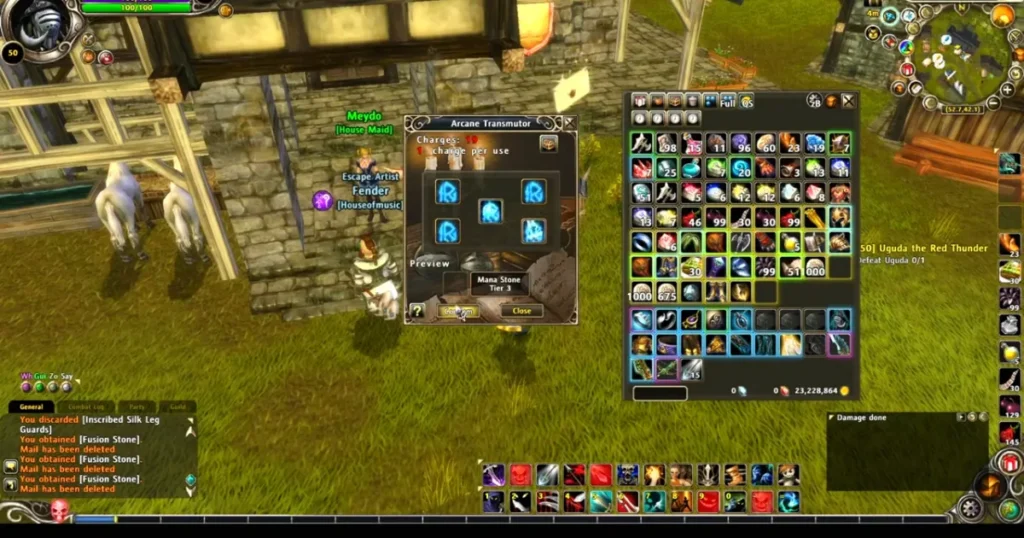
- Displaying characters and environments
- Loading game graphics and effects
- Handling keyboard and mouse input
- Showing menus and interface elements
- Playing sounds
- Sending player actions to the server
- Receiving information from the server
For example, when a player moves a character, the client displays the movement on screen and communicates the relevant information to the server.
The client is therefore only one part of the complete system. It needs a compatible server environment for online gameplay.
The Game Server
The game server handles information that should not be managed only by the player’s computer.
Depending on the server software, it can handle:
- Player connections
- Account information
- Character data
- Game-world information
- Items and progress
- Server settings
- Communication between players and the game world
Different projects organize these tasks in different ways. Some use separate services for login, world management, and zones, while others use a different structure.
For a Runes of Magic Emulator, the server software provides the environment that the compatible client connects to. The exact services and files depend on the project.
Login Service and Authentication
The login service handles the first stage of a player’s connection.
When login details are submitted, the client communicates with the login service. The service checks the account information and handles the initial connection before the player enters the game world.
In a local server setup, the login service needs to be running and configured correctly. The client also needs the correct server address and port.
A problem at this stage can prevent the player from reaching the character or game-world screen.
Common causes include:
- Incorrect server address
- Wrong port
- Login service not running
- Incorrect account details
- Firewall restrictions
- Client and server version mismatch
Checking these settings first is often more useful than changing multiple files at the same time.
The Game World
After the login stage, the client connects to the service responsible for the actual game session.
The game server processes actions that affect the character and the game world. This includes movement, interactions, equipment changes, and other events.
The server also keeps track of the current state of connected players. This matters in an MMORPG because several players can be active in the same environment at once.
The exact server structure depends on the project being used, so service names and configuration options should always be checked against its documentation.
The Database
The database stores information that needs to persist between game sessions.
A server may use it for records such as:
- User accounts
- Characters
- Character progress
- Items
- Game-related records
- Server configuration data
The server needs access to the database in order to read and update this information.
During a server installation, the database normally needs to be prepared before the game services are fully usable. Connection details also need to match the values expected by the server software.
Runes of Magic Emulator database error can prevent a service from starting or cause problems when account and character information is requested.
PC Requirements
The requirements depend on the game client version and the type of server setup.
Operating System
Windows is generally the simplest environment for an older PC game client.
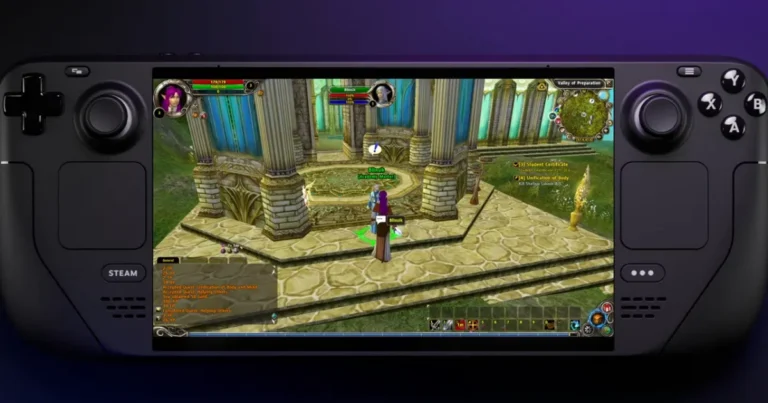
Linux users often use Wine or Proton to run Windows applications. Results depend on the game version, graphics drivers, and system configuration.
Processor and RAM
Modern computers generally have enough processing power for an older MMORPG. The exact needs still depend on the client and other programs running at the same time.
A local test server has different requirements from a server handling several active connections.
Graphics
The graphics system needs to support the requirements of the particular client. Older DirectX-based games can sometimes need additional configuration on newer systems.
Graphics drivers are also worth checking if you experience crashes, rendering problems, missing effects, or poor performance.
Storage
Leave enough free space for the game client, updates, server files, database files, logs, and backups.
Keeping backups of working configuration files is also useful when testing different settings.
Client and Server Compatibility
Version compatibility is one of the most important things to check before using a Runes of Magic Emulator.
The client and server need to understand compatible game data and communication structures. Mixing files or clients from unrelated versions can lead to login failures, missing data, character loading problems, or server errors.
Before starting an installation, check the project documentation and confirm which client version it supports.
Do not assume that every older client works with every server package.
Connecting the Client
Once the server services are ready, the client needs to know where to connect.
The required settings depend on the server project. These might include a server address, port, or other client configuration values.
For local testing, the server and client might run on the same PC. A different setup could place the server on another computer within the network.
A simple testing order is:
Start the database → Start server services → Check logs → Configure the client → Launch the game → Test the connection
Following one step at a time makes it easier to find where a problem starts.
Common Connection Problems
A Runes of Magic Emulator setup can fail to connect for several simple reasons.
Start by checking that all required services are running. Then check the server address and port. After that, verify the database connection and client settings.
Firewall rules can also prevent communication. If the server starts but the client cannot log in, compare the client version with the version supported by the server.
Server logs are particularly useful when the message shown by the client is too general. They can point to database errors, failed services, incorrect settings, or connection problems.
Runes of Magic on Modern PCs
Running an older PC MMORPG on modern hardware is not always about raw performance. Operating system changes, graphics drivers, older DirectX components, and compatibility software can affect how the client behaves.
A computer might have more than enough processing power but still require some configuration for an older game.
This is especially relevant when using Linux compatibility tools or troubleshooting graphics and startup problems on newer Windows systems.
Frequently Asked Questions
Final Thoughts
The PC version of Runes of Magic depends on several parts working together. The client handles the local game experience, the login service manages the first connection, the game server manages the online world, and the database stores important player information.
Runes of Magic Emulator follows the same general idea while providing its own server-side environment. The files, services, configuration settings, and supported client versions differ between projects.
Once you understand how these parts connect, it becomes much easier to work with server files, check compatibility, and troubleshoot connection problems without changing settings at random.